
Volume Discount
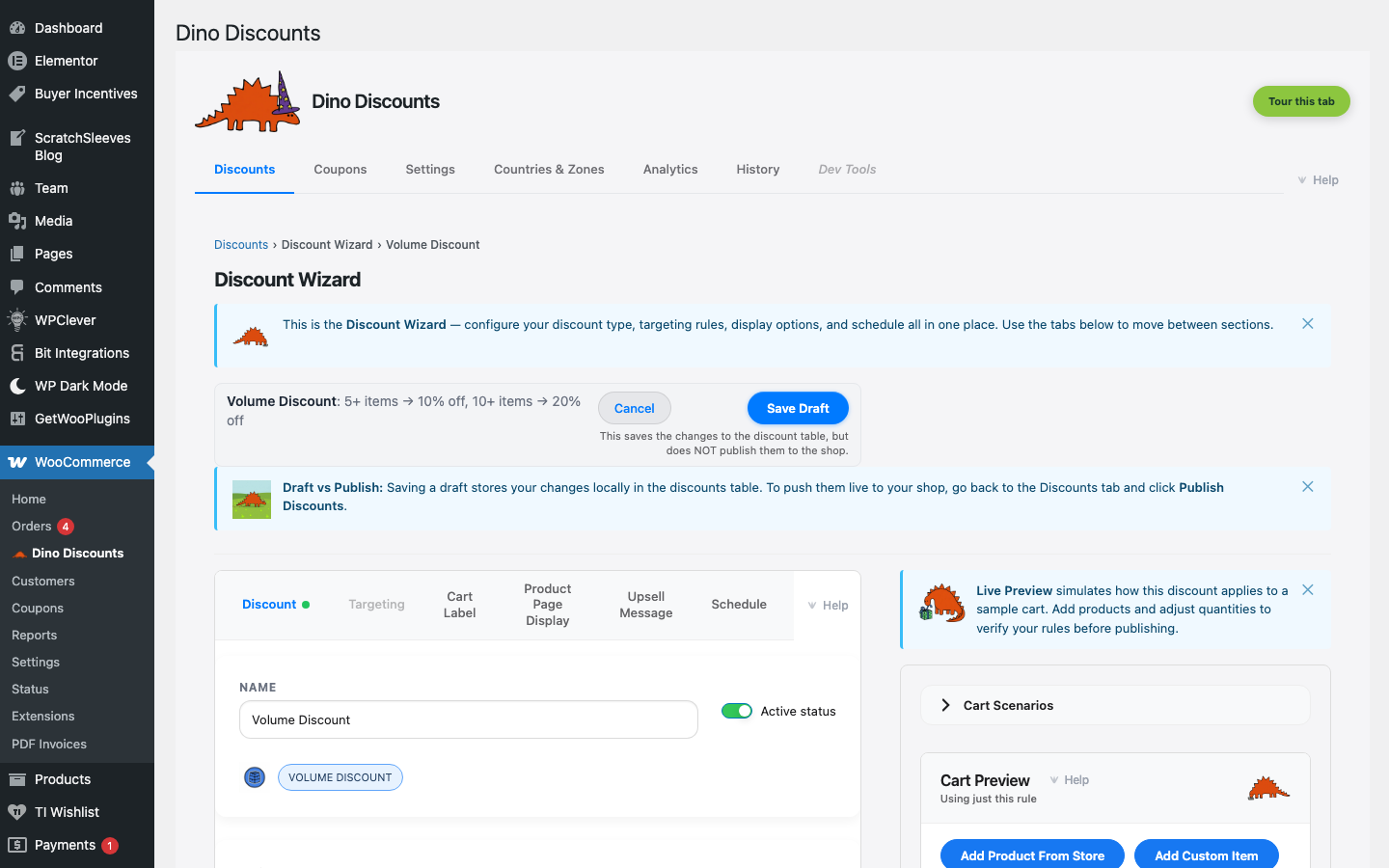
Quantity-based discounts on specific products. The more units a customer buys, the lower the per-item price.
When to use this
Section titled “When to use this”- Wholesale-style quantity breaks
- Encouraging larger orders of a specific product
- B2B pricing tiers
Example
Section titled “Example”| Quantity | Price per item | |----------|---------------| | 1–9 | $10.00 | | 10–24 | $8.50 (15% off) | | 25–49 | $7.50 (25% off) | | 50+ | $6.00 (40% off) |
How to set it up
Section titled “How to set it up”- Click + Create Discount and select Volume discount under Spend & save / tiers
- In the Eligible Items sub-block of What triggers it?, choose which products or categories this applies to
- Add quantity tiers with the price or percentage off for each level
- Save Draft, preview, then Publish
- Show the quantity breaks on the product page with Product Page Pricing
- Use Upsell Messages to show "Buy 5 more for $8.50 each!" nudges
What's next?
Section titled “What's next?”- Buy X Get Y — try another recipe
- Build Your Own — start from scratch with the full wizard
- Storefront Display — control how discounts appear on your site