
Category Sale
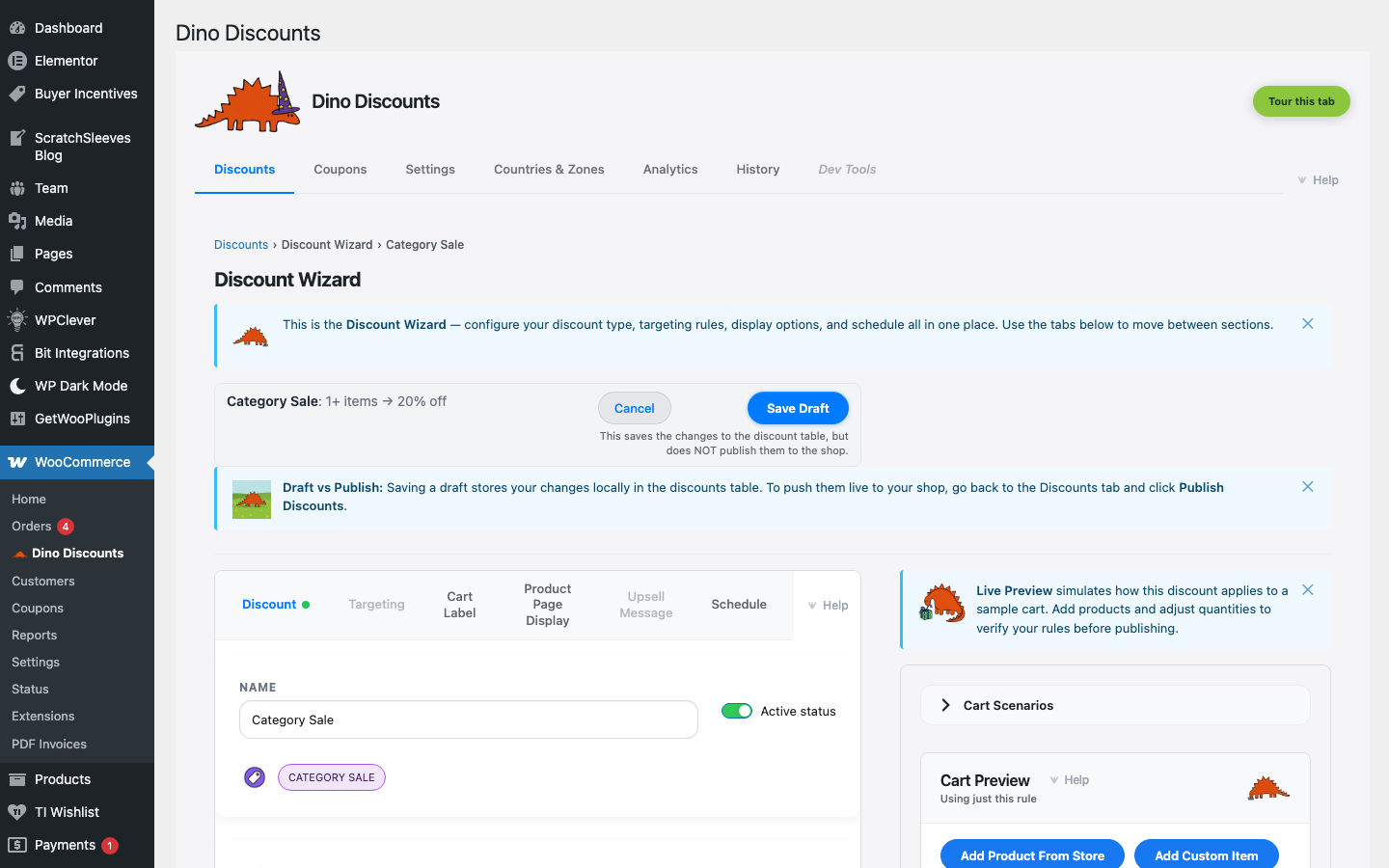
A percentage discount applied to every product in one or more categories.
When to use this
Section titled “When to use this”- Category-wide sales ("20% off all shoes")
- Seasonal category promotions
- Department clearance events
Example
Section titled “Example”Every product in the Accessories category is 20% off.
How to set it up
Section titled “How to set it up”- Click + Create Discount and select % off a category under % / £ discounts
- Enter the discount percentage (e.g.
20) - Select the category or categories to discount in the Eligible Items sub-block of What triggers it?
- Save Draft, preview, then Publish
- New products added to the category are automatically included in the sale
- Use Scheduling to run time-limited category sales
- The sale price shows on product pages and in shop listings
What's next?
Section titled “What's next?”- Free Gift — try another recipe
- Build Your Own — start from scratch with the full wizard
- Storefront Display — control how discounts appear on your site