
Scheduling Discounts
The When does it apply? section of the rule editor controls when a discount is active. By default, discounts run indefinitely once published — scheduling lets you automate start and end times.
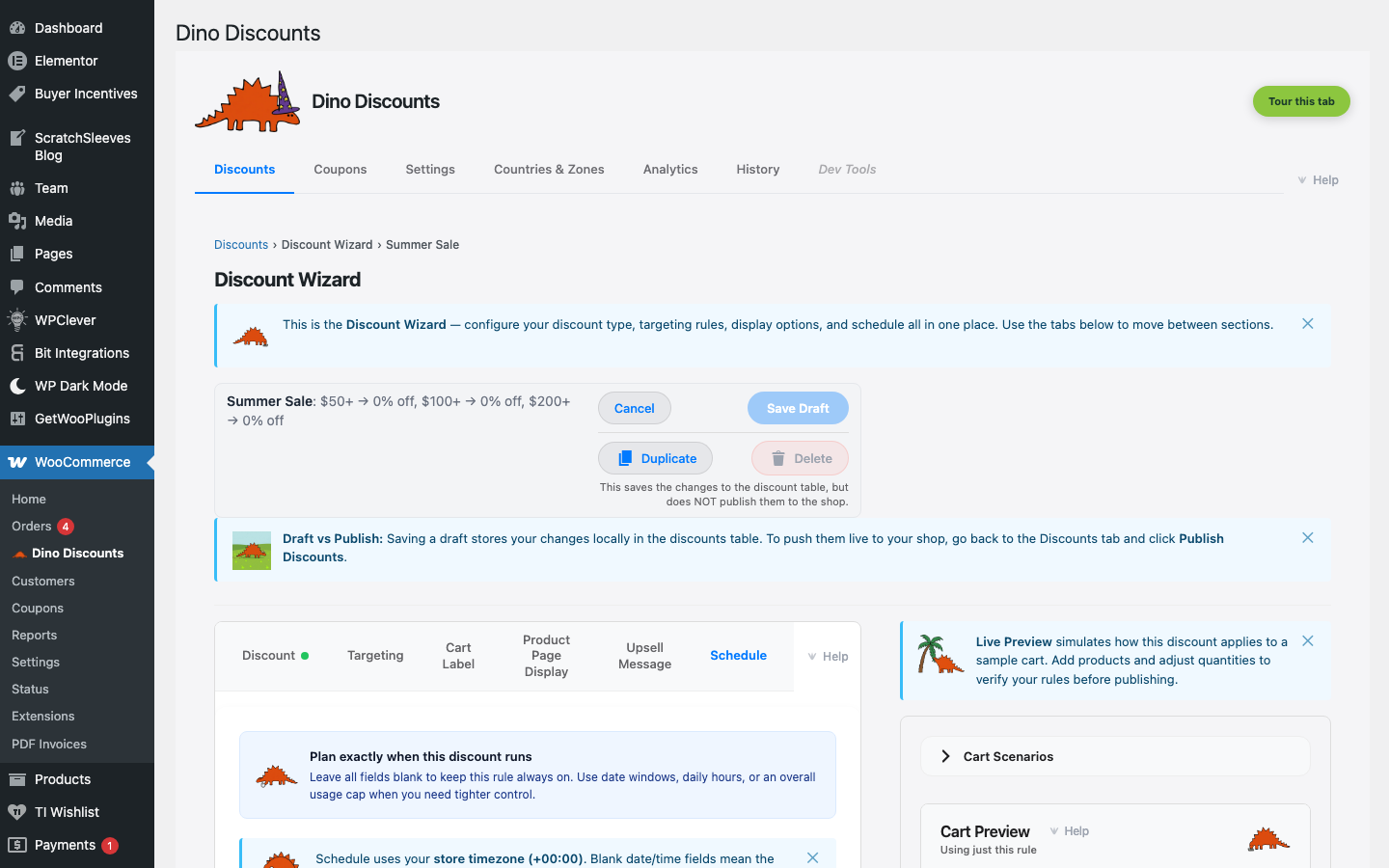
Schedule options
Section titled “Schedule options”| Option | Behaviour | |--------|-----------| | Always on (default) | Active from the moment it's published until you disable it | | Start date | Becomes active at a specific date and time | | End date | Automatically deactivates at a specific date and time | | Both | Active only during the window between start and end dates |
You can also restrict the discount to specific days of the week or times of day — useful for "happy hour" or "weekend only" promotions.
Common use cases
Section titled “Common use cases”Flash sales
Section titled “Flash sales”Set a start and end date for a 24-hour or weekend sale. The discount activates and deactivates automatically — no need to be at your computer at midnight.
Seasonal promotions
Section titled “Seasonal promotions”Schedule a Black Friday deal weeks in advance. Create the discount, set the dates, save as draft, and publish whenever you're ready. The discount won't activate until the start date, even if published early.
Recurring promotions
Section titled “Recurring promotions”For promotions that repeat (e.g., "10% off every Monday"), use the day-of-week control to restrict the discount to specific days. The discount auto-activates each matching day for as long as it's published.
Timezone
Section titled “Timezone”Scheduled times use your WordPress timezone setting (Settings → General → Timezone). Make sure this is set correctly for your business location.
Pairing with spend thresholds and coupons
Section titled “Pairing with spend thresholds and coupons”Schedule windows and the What triggers it? section work together. A common pattern: a coupon code that's only valid during a flash-sale window, and only when the cart subtotal hits a threshold. Set the schedule here and the trigger condition in What triggers it? — the discount only fires when both are satisfied.