
VIP / Member
Applies a discount to customers with a specific WordPress user role.
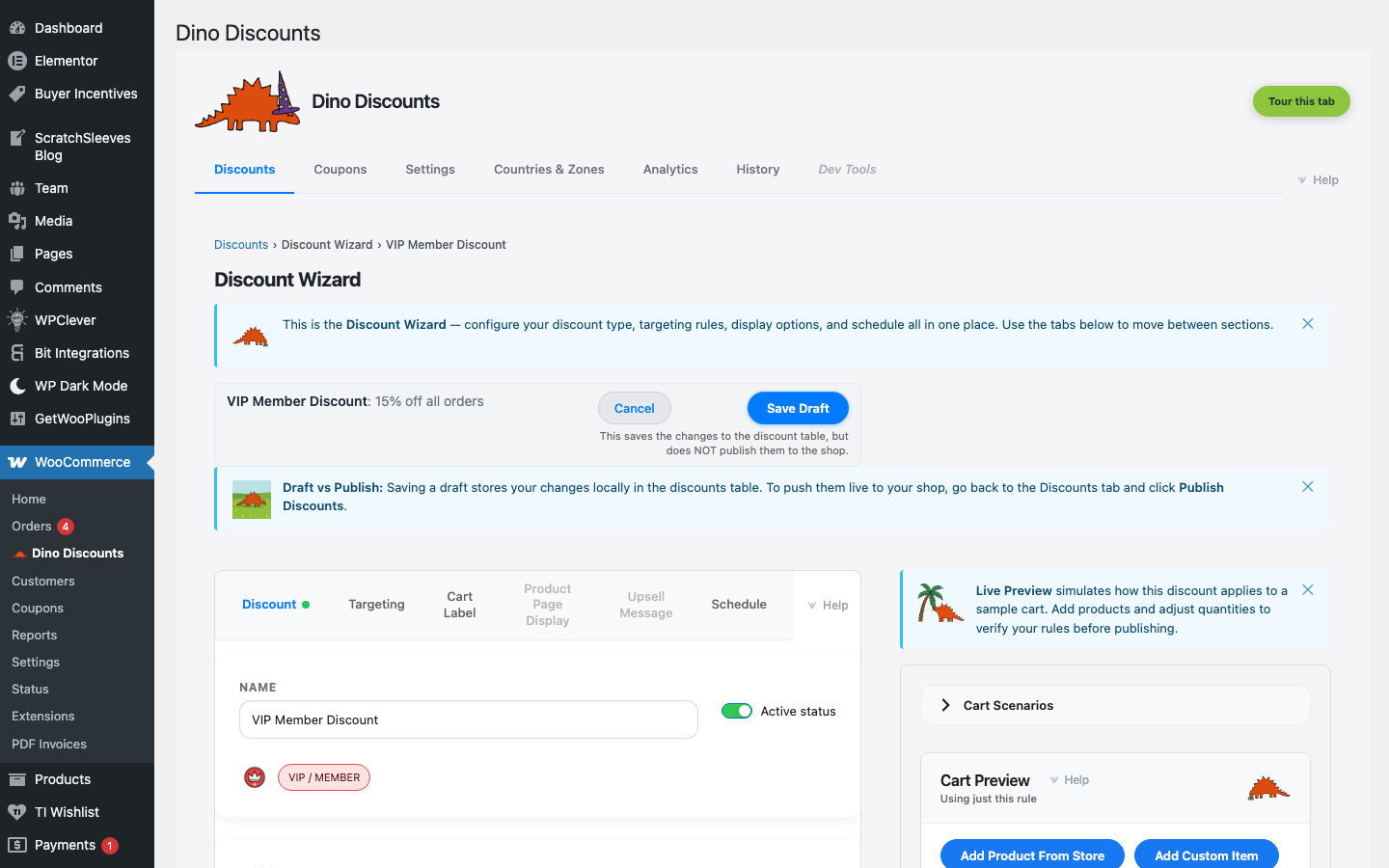
When to use this
Section titled “When to use this”- Wholesale pricing for B2B customers
- Members-only or VIP discounts
- Staff or partner pricing
Example
Section titled “Example”Customers with the Wholesale role get 25% off all products, automatically.
How to set it up
Section titled “How to set it up”- Click + Create Discount and select VIP / role discount under Customer segments
- Set the discount type and amount
- Select which user role(s) qualify in the Who is this for? section
- Save Draft, preview, then Publish
- Works with any WordPress user role — including custom roles created by membership plugins
- Customers see the discounted price automatically when logged in
- Combine with Targeting for more specific conditions
What's next?
Section titled “What's next?”- Flash Sale — try another recipe
- Build Your Own — start from scratch with the full wizard
- Storefront Display — control how discounts appear on your site