
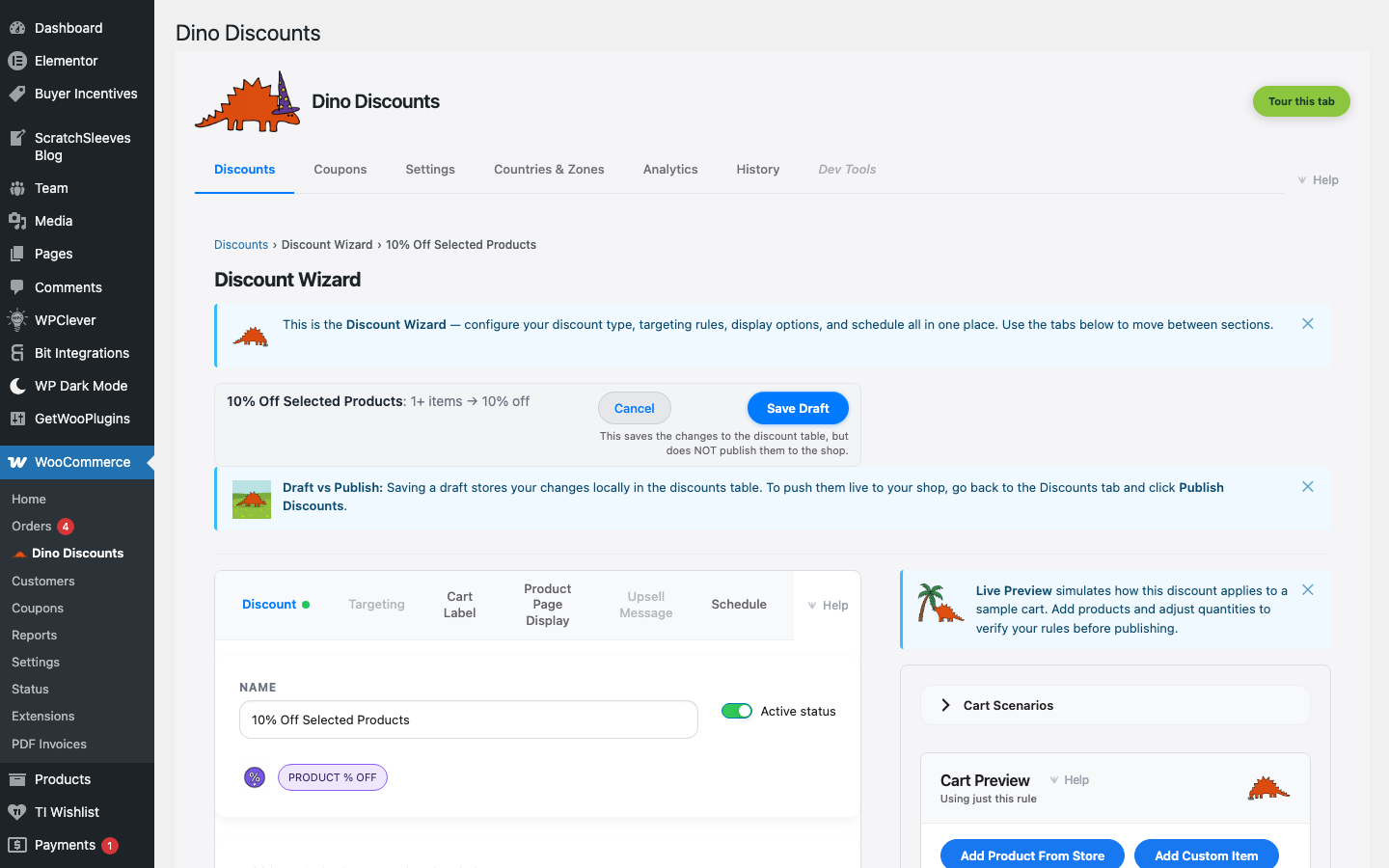
Product % Off
A percentage discount applied to specific products or product selections.
When to use this
Section titled “When to use this”- Discounting a specific product or product range
- Clearance pricing on selected items
- Featured product promotions
Example
Section titled “Example”All items in the Winter Clearance selection are 20% off.
How to set it up
Section titled “How to set it up”- Click + Create Discount and select % off a category under % / £ discounts (it works for product-level scope too — the Eligible Items sub-block accepts product, category, tag, SKU, and attribute conditions)
- Enter the discount percentage (e.g.
20) - In the Eligible Items sub-block of What triggers it?, choose which products this applies to — individual products, categories, or tags
- Save Draft, preview, then Publish
- The discounted price shows directly on the product page
- Combine with Scheduling for time-limited product sales
What's next?
Section titled “What's next?”- Category Sale — try another recipe
- Build Your Own — start from scratch with the full wizard
- Storefront Display — control how discounts appear on your site