Buy X Get Y
Buy a certain quantity but only pay for fewer. The classic "buy one get one free" deal and variations.
When to use this
Section titled “When to use this”- BOGOF (buy one get one free)
- "Buy 3, pay for 2" deals
- "Buy 2 get 1 at 50% off" variations
Example
Section titled “Example”Buy 3 items, only pay for 2. The cheapest item is free.
How to set it up
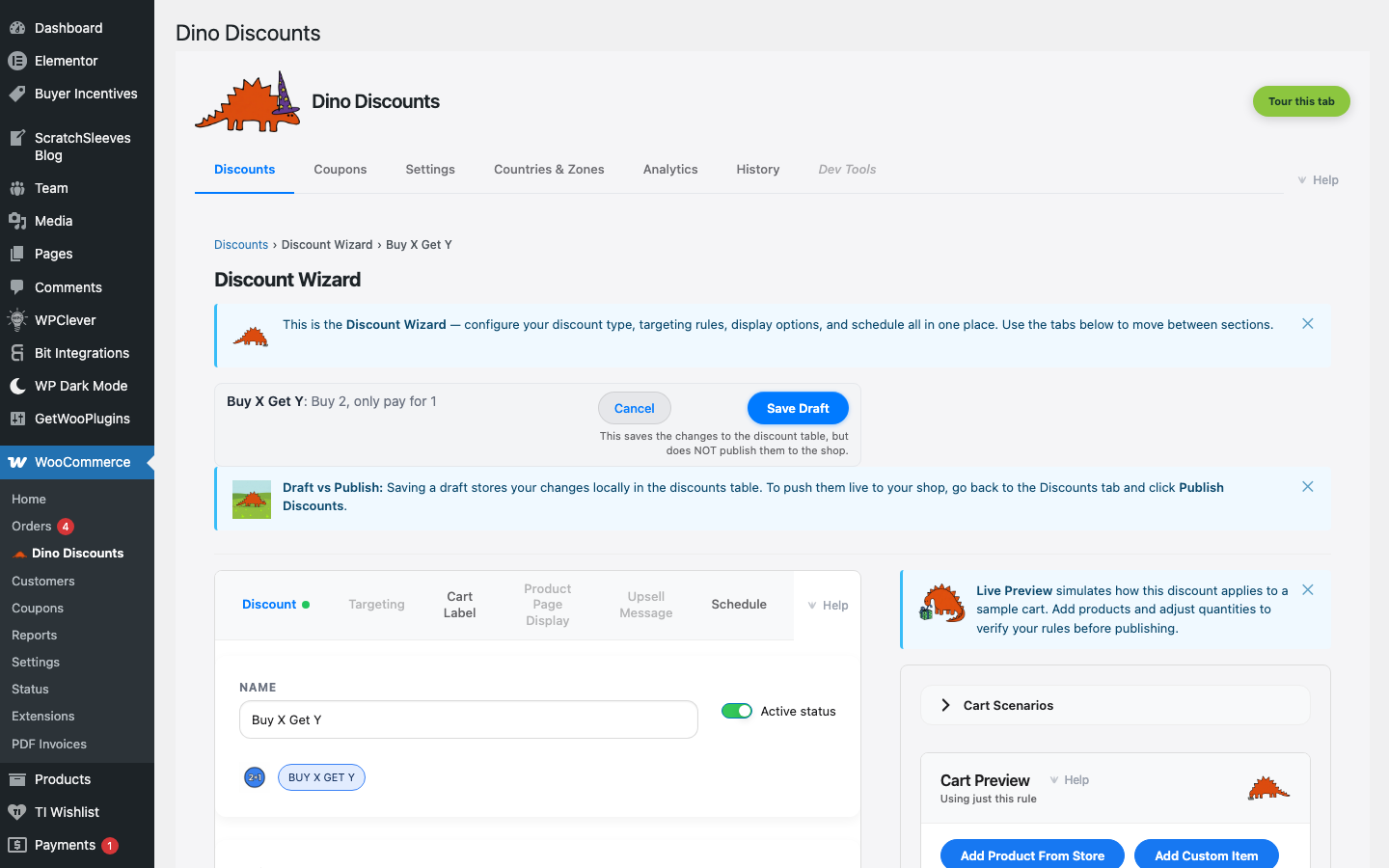
Section titled “How to set it up”- Click + Create Discount and pick the BOGO shape you want under BOGO / bundle — BOGO same item (buy N of the same SKU, cheapest free), Buy A, get B free (one trigger product unlocks a different gift product), or Cross-product BOGO (any 2 from a pool, cheaper free)
- For BOGO same item or Cross-product BOGO, set the "buy" quantity (e.g.
3); for Buy A, get B free, pick the trigger and gift products - In the Eligible Items sub-block of What triggers it?, choose which products or categories qualify
- Save Draft, preview, then Publish
- The discount is applied to the cheapest qualifying item(s) by default
- Use Cart Labels to clearly show the free item in the cart
- Works well with Upsell Messages — "Add 1 more for a free item!"
What's next?
Section titled “What's next?”- Bundle Deal — try another recipe
- Build Your Own — start from scratch with the full wizard
- Storefront Display — control how discounts appear on your site