
Fixed $ Off
A flat monetary discount applied to every order.
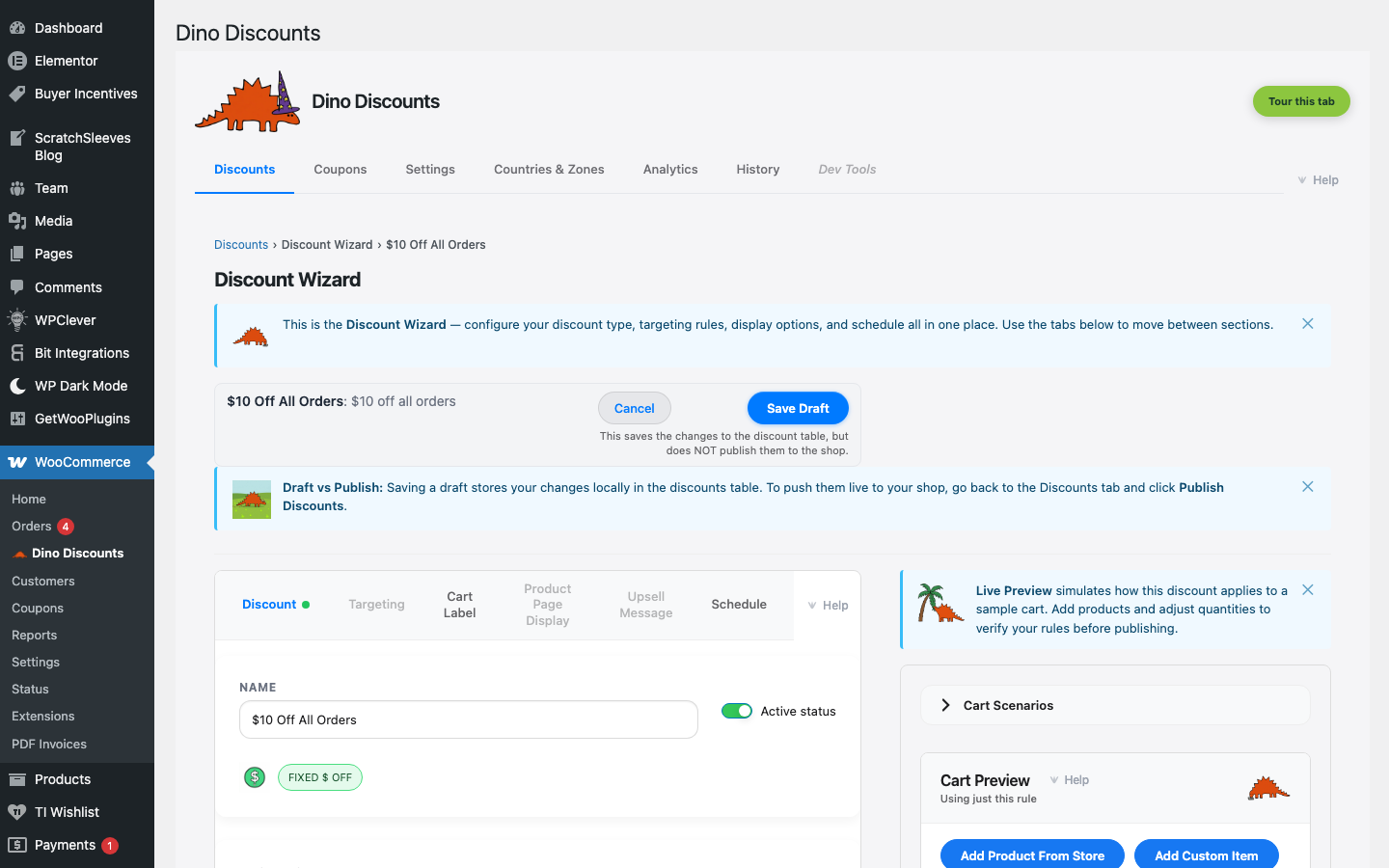
When to use this
Section titled “When to use this”- Simple "$10 off" promotions
- Fixed-value welcome offers
- Clearance or seasonal flat discounts
Example
Section titled “Example”Every order gets $10 off the cart total, automatically.
How to set it up
Section titled “How to set it up”- Click + Create Discount and select Fixed {currency-symbol} off the cart under % / £ discounts (the gallery tile renders the live symbol — "Fixed £ off the cart", "Fixed € off the cart", and so on, based on your store's currency)
- Enter the discount amount (e.g.
10) - Save Draft, preview, then Publish
For a detailed walkthrough, see Your First Automatic Discount.
- Works well for low-value carts — consider adding a minimum spend threshold via Targeting
- Use Cart Labels to show customers the discount in their cart
What's next?
Section titled “What's next?”- Min Spend % Off — try another recipe
- Build Your Own — start from scratch with the full wizard
- Storefront Display — control how discounts appear on your site