
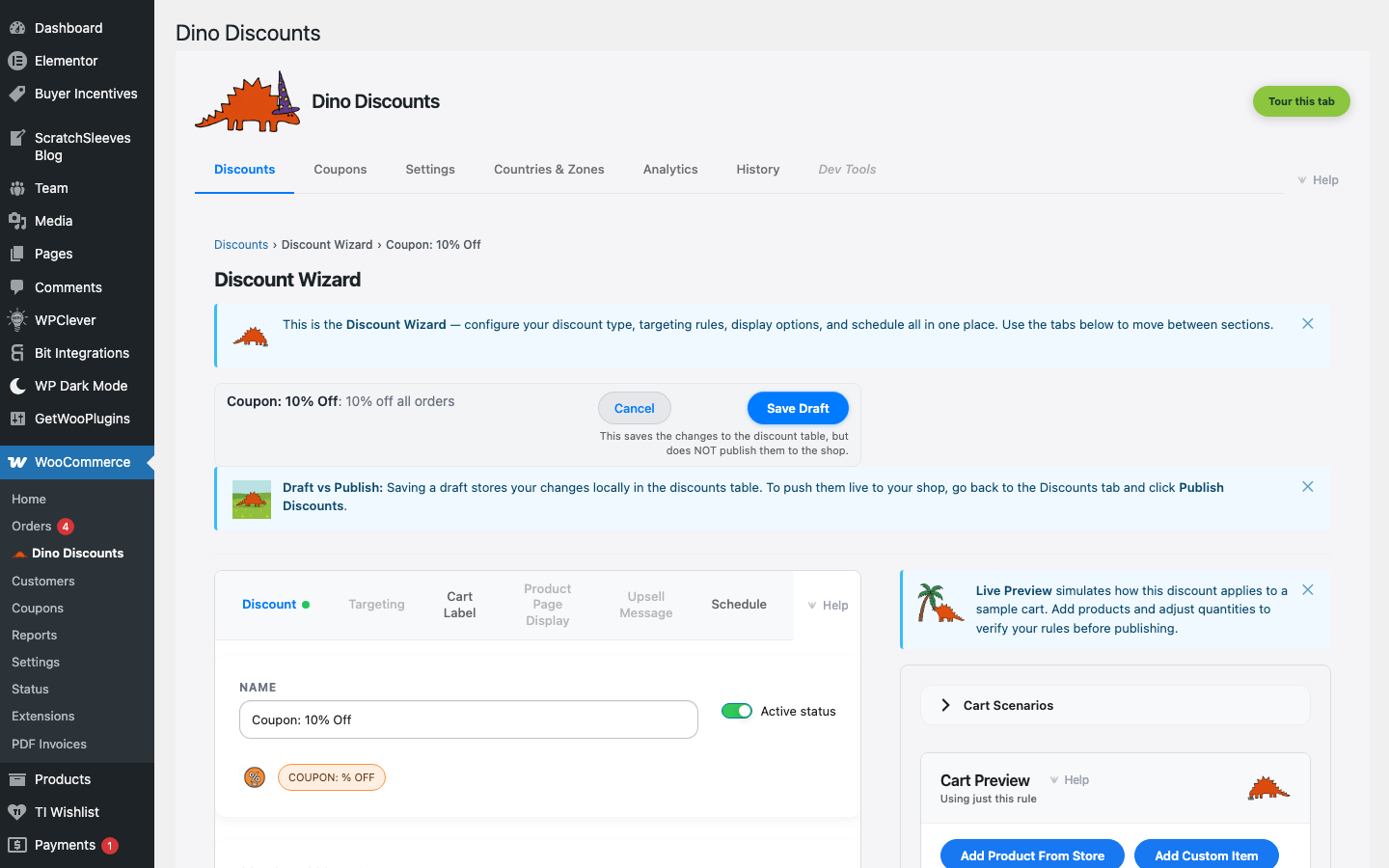
Coupon: % Off
A coupon code that gives a percentage discount when entered at checkout.
When to use this
Section titled “When to use this”- Newsletter signup rewards ("15% off your first order")
- Partner and influencer codes ("Use PARTNER20 for 20% off")
- Promotional pushes with trackable codes
Example
Section titled “Example”Customer enters code WELCOME15 at checkout and gets 15% off their order.
How to set it up
Section titled “How to set it up”- Click + Create Discount and select Coupon code discount under Coupon-triggered
- Set the discount percentage (e.g.
15) - In the What triggers it? section, use the coupon dropdown to select an existing coupon or create a new one — this is the code customers enter at checkout (e.g.
WELCOME15) - Save Draft, preview, then Publish
Need bulk codes for an email blast? Choose Bulk Pool as the coupon type — see Creating Coupons or the step-by-step guide.
- Use Auto-Apply Coupons to apply codes via URL (e.g.
yourstore.com/?dino_apply=WELCOME15) - Track code usage in the Coupons tab — see redemption counts per code
What's next?
Section titled “What's next?”- Coupon: Fixed $ Off — try another recipe
- Creating Coupons — explore more options
- Storefront Display — control how discounts appear on your site