
First Order
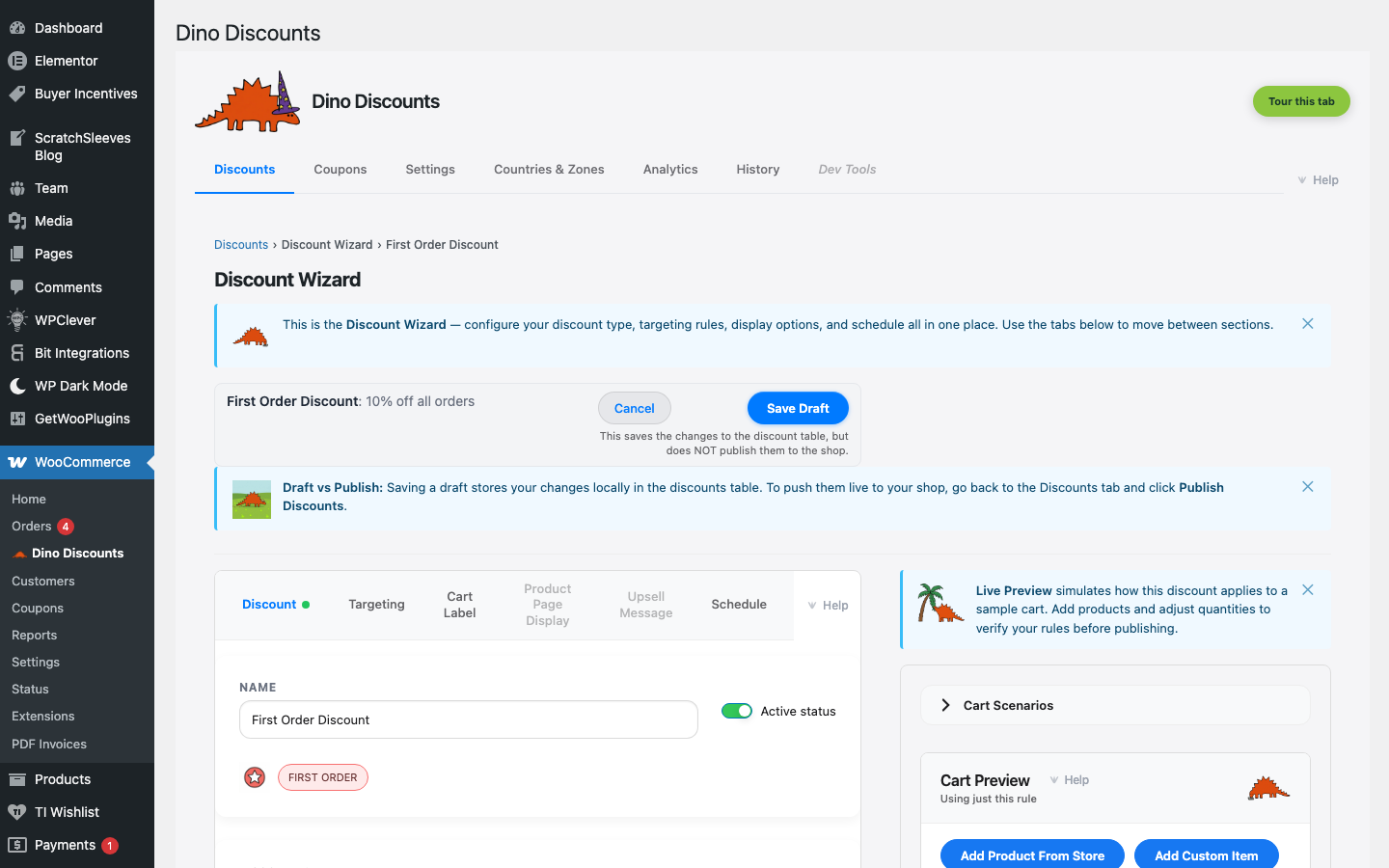
Automatically applies a discount to first-time customers only.
When to use this
Section titled “When to use this”- New customer welcome offers
- Acquisition campaigns
- Reducing first-purchase hesitation
Example
Section titled “Example”First-time customers get 10% off their first order, automatically.
How to set it up
Section titled “How to set it up”- Click + Create Discount and select First Order under Targeted Offers
- Set the discount type (percentage or fixed) and amount
- Save Draft, preview, then Publish
The discount automatically checks purchase history — only customers with zero previous orders qualify.
- Stack with Upsell Messages to show “Welcome! You’re getting 10% off your first order”
- Combine with Free Shipping for a strong first-purchase incentive
What’s next?
Section titled “What’s next?”- VIP / Member — try another recipe
- Build Your Own — start from scratch with the full wizard
- Storefront Display — control how discounts appear on your site